 AI Zombie
Prepare Two Photos for an AI Zombie Love Story Video
Choose clear photos for your zombie and survivor, select a scene and quality tier, then review and save your AI zombie love story video responsibly.
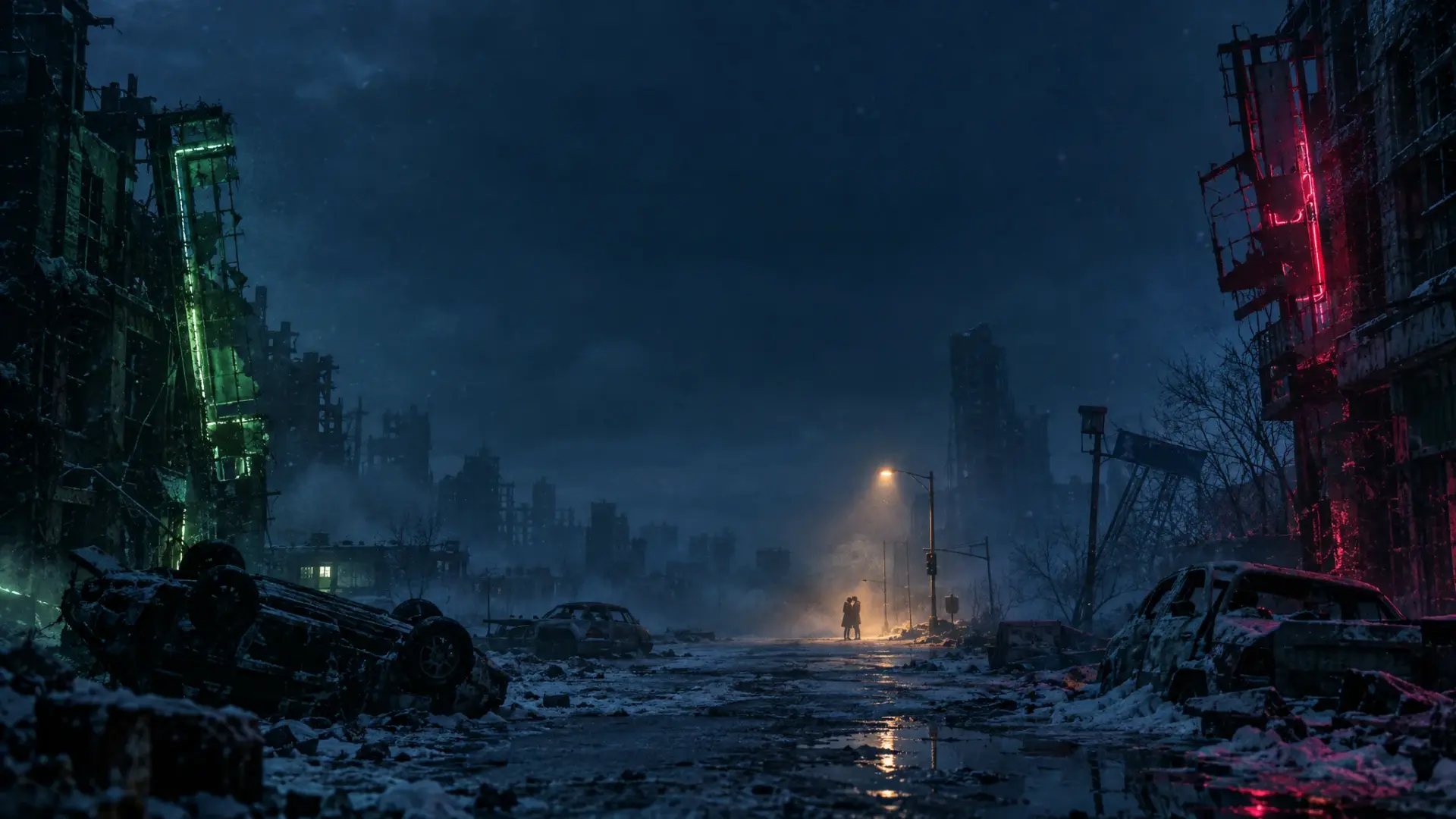
An AI Zombie story starts with two photos: one for the zombie role and one for the survivor role. Give the model clear references before choosing the setting for your fictional video.
Choose one clear subject per photo
Use well-lit photos with one visible face in each. Avoid heavy blur, sunglasses that hide the eyes, or a face cropped at the edges. Straightforward backgrounds help keep attention on the subjects. Upload only photos you own or have permission to edit, with the consent of the people shown. For a pet story, choose a clear pet reference and use the pet option.
Pick the story setting
Choose the abandoned cabin, silent city or forgotten chapel in the generator. Select a vertical or horizontal aspect ratio to suit where you plan to watch or share the clip. The selected setting guides the generated story; it does not guarantee an exact pose or that every face and clothing detail stays unchanged.
Choose a quality tier and start once
Review the credit cost displayed for the Economy or HD tier before submitting. Create one result first, then decide whether different photos or a setting would improve the next attempt. This helps control spending instead of submitting many similar requests at once. The currently configured generator requests a 15-second clip through Kie AI using Seedance 2.0 Mini.
Review the video before sharing
Look for distorted faces, unexpected motion or background details. Confirm that the video suits the people who will see it. Explain that it is an AI transformation when sharing could otherwise be misleading. Do not use fictional edits as evidence of a real event or to target another person.
Save the result you want to keep
Download a copy of a video you like. Provider links may change or stop working, and the service does not promise permanent storage. Read the Privacy Policy before uploading anything sensitive.
Try AI Zombie, review pricing, or email support@aizombie.world if a generation task fails.