 AI Zombie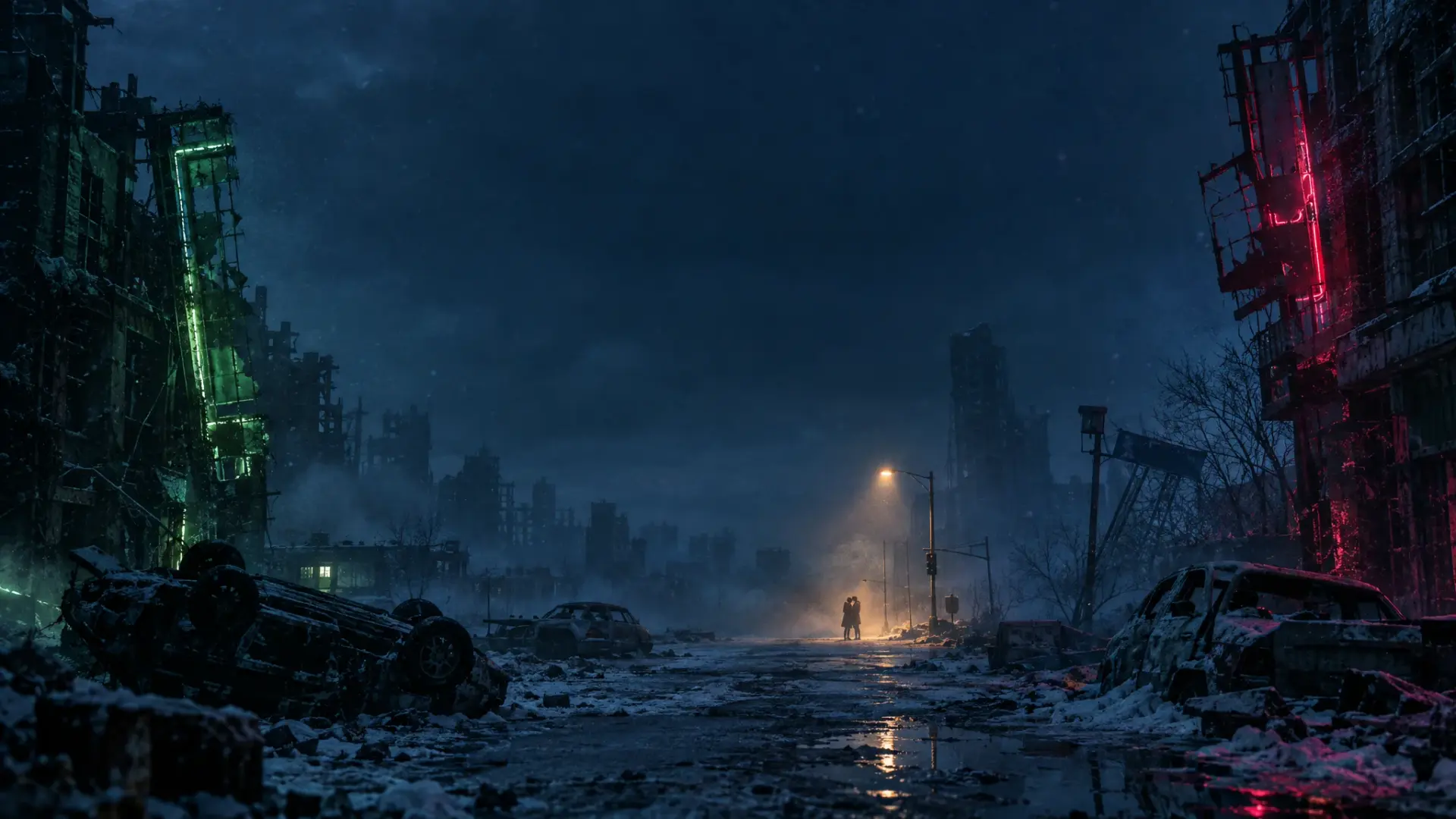
TWO PHOTOS TO ONE SHORT FILM
AI Zombie Video from Photos
Start with photos you already have. Give each character a role, choose a scene, and turn the pair into a short zombie reunion video.
The first image is the person or pet who changes; the second is the human survivor. The tool uses both as references for a 15-second video with music and ambient sound.
Two portraits become a rainy-city reunion · Reference example
HOW TO CREATE
From portraits to a finished video
Upload two JPG, PNG or WebP images, each no larger than 8 MB. Use photos you have permission to upload.
Assign the zombie and survivor roles, then pick a world, 9:16 or 16:9 framing, and Economy or HD.
Generate and track the task in History. Download the MP4 after it finishes; results and timing can vary.
Choose useful source photos
- Pick one clear face per image with even light. Avoid sunglasses, heavy filters and faces hidden behind other people.
- The two photos are references, not exact video frames. Review facial resemblance and the scene before sharing.
Create yours from two photos
Choose who turns, upload both portraits and review the credit cost before generating.
Photo-to-video questions
How many photos do I need?
Exactly two: one for the character who turns and one for the survivor. The generator does not currently accept a single group photo as both inputs.
What do I get back?
The tool requests a 15-second MP4 with sound. Economy uses 10 credits at 480p; HD uses 20 credits at 720p. Failed generations return credits.